
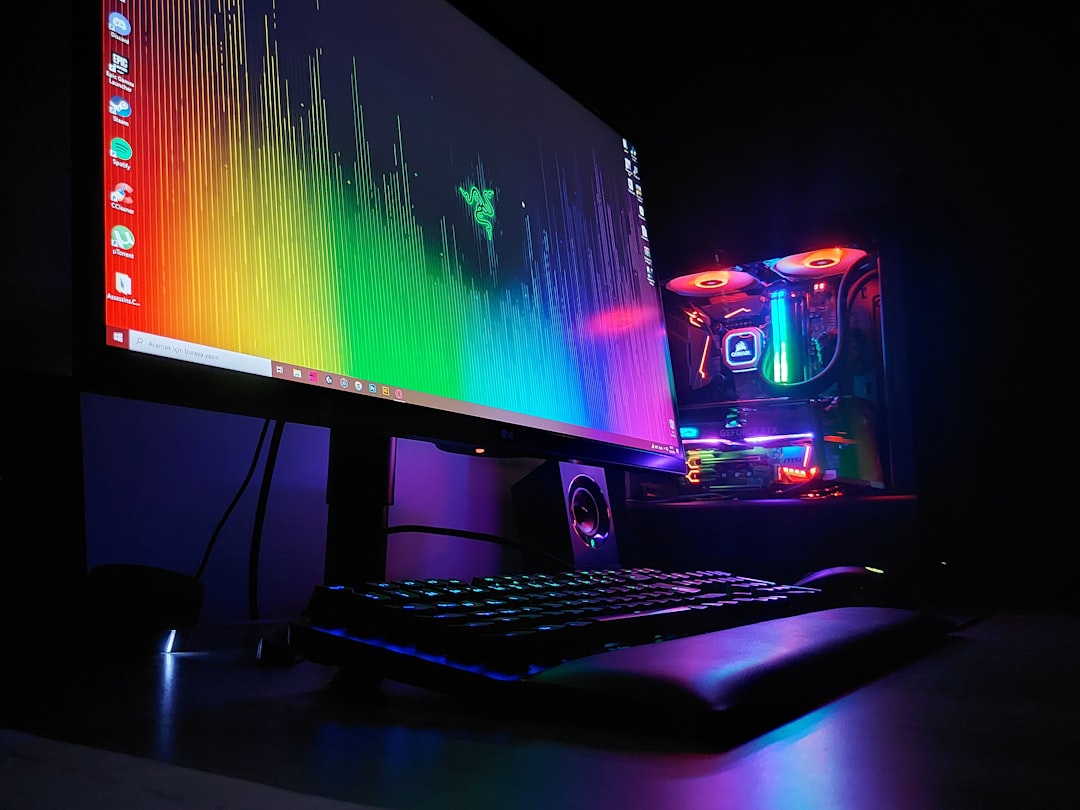
Choosing the right GPU for your gaming setup in 2024 is essential to ensure smooth gameplay, stunning graphics, and a future-proof system. With the rapid advancements in graphics technology, it can be overwhelming to pick the perfect graphics card that fits your needs and budget. This guide will walk you through everything you need to know to make an informed decision and get the best performance out of your gaming rig.
Understanding the Role of a GPU in Gaming Performance
The Graphics Processing Unit, or GPU, is the heart of your gaming experience. It handles rendering images, animations, and video to your monitor. A powerful GPU allows for higher frame rates, better resolution, and more detailed textures. Without a capable GPU, even the best CPU and RAM cannot deliver a smooth gaming experience. Whether you are playing fast-paced shooters or immersive open-world games, the GPU determines how visually rich and responsive your gameplay will be.
Key GPU Specifications to Consider in 2024
When shopping for a GPU, focus on core specifications such as the GPU architecture, clock speed, number of cores, VRAM size, and memory type. Modern GPUs use advanced architectures that improve efficiency and performance. For example, the latest NVIDIA RTX 50 series and AMD RX 7000 series offer significant improvements over previous generations. Clock speed and core count affect how quickly the GPU can process graphics tasks. Memory type and bandwidth impact how fast data moves within the GPU. For instance, GDDR7 memory is becoming more common in high-end models like the ASUS ROG Astral GeForce RTX 5090 32GB GDDR7 OC Edition.
Comparing NVIDIA vs. AMD: Which GPU Brand is Best for You?
NVIDIA and AMD remain the two leading GPU manufacturers, each with its strengths. NVIDIA cards generally offer superior ray tracing performance and AI-driven features like DLSS, which boosts frame rates without sacrificing image quality. AMD GPUs often provide better price-to-performance ratios and excel in traditional rasterization tasks. For example, the ASROCK AMD Radeon RX 9070 XT Steel Legend 16GB GDDR6 is a solid choice for gamers looking for strong performance at a competitive price. Your choice depends on your gaming preferences and budget.
Determining Your Gaming Resolution and Frame Rate Needs
Before picking a GPU, consider the resolution and frame rate you want to achieve. Common gaming resolutions include 1080p, 1440p, and 4K. Higher resolutions demand more from your GPU. If you game on a 1080p monitor, mid-range cards like the Asus NVIDIA GeForce RTX 4060 Graphic Card - 8 GB GDDR6 - Low-profile can offer excellent performance. For 4K gaming, consider top-tier GPUs such as the PNY NVIDIA GeForce RTX 5090 Graphic Card - 32 GB GDDR7. Also, decide if you want high frame rates for competitive gaming or are content with smoother visuals at lower frame rates.
How Much VRAM Do You Really Need?
Video RAM (VRAM) stores textures and graphical data. In 2024, 8GB VRAM is typically the minimum for modern games at 1080p or 1440p. For 4K gaming or demanding titles, 12GB or more is recommended. High VRAM GPUs like the Gigabyte NVIDIA GeForce RTX 5070 Ti Graphic Card - 16 GB GDDR7 provide ample memory for future games and high-resolution textures. However, more VRAM does not always mean better performance, so balance VRAM with other GPU specs.
The Importance of GPU Cooling and Power Consumption
Efficient cooling is vital to maintain performance and prolong your GPU's lifespan. Look for GPUs with robust cooling solutions, such as multiple fans or advanced heat pipes. Some cards, like the TUF NVIDIA GeForce RTX 5070 Graphic Card - 12 GB GDDR7, are designed with enhanced cooling in mind. Power consumption also matters; ensure your power supply unit (PSU) can handle the GPU's requirements. High-end GPUs can draw significant power, so check the recommended wattage before purchase.
Evaluating GPU Compatibility with Your Existing PC Components
Not all GPUs fit every PC. Check your motherboard's PCIe slot compatibility, case size, and PSU wattage. Some GPUs are large and require spacious cases. For smaller builds, low-profile cards like the Asus NVIDIA GeForce RTX 4060 Graphic Card - 8 GB GDDR6 - Low-profile are ideal. Also, make sure your CPU is powerful enough to avoid bottlenecking your new GPU. Compatibility ensures you get the best performance without hardware conflicts.
Budget Considerations: Finding the Best GPU for Your Price Range
GPU prices vary widely. Define your budget early and look for cards that offer the best value within that range. For example, mid-range GPUs like the EVGA GeForce RTX 3080 FTW3 ULTRA GAMING 10GB GDDR6X Graphics Card (Open Box) provide excellent performance for their price. Refurbished or open-box items can also be cost-effective options. Remember to factor in additional costs like power upgrades or cooling solutions.
Future-Proofing Your Gaming Setup with the Latest GPU Technologies
Investing in GPUs that support the latest technologies can extend your system's relevance. Features like ray tracing, AI upscaling, and support for DirectX 12 Ultimate enhance gaming visuals and performance. Newer models such as the Asus NVIDIA GeForce RTX 5070 Graphic Card - 12 GB GDDR7 embrace these technologies. Future-proofing means you can enjoy upcoming games without needing immediate upgrades.
Where to Buy GPUs Safely and Avoid Scams in 2024
With high demand and limited supply, GPU scams are a concern. Always buy from reputable sellers or authorized retailers. Online stores like Nexurus offer a wide selection of new, open-box, and refurbished GPUs with reliable warranties. For example, browse the Graphics collection at Nexurus for trusted options. Avoid deals that seem too good to be true and check seller reviews before purchasing.
Tips for Installing and Optimizing Your New GPU
Installing a GPU is straightforward but requires care. Power down your PC, unplug it, and ground yourself to avoid static damage. Remove your old GPU if applicable, insert the new card firmly into the PCIe slot, and secure it with screws. Connect any required power cables. After installation, update your GPU drivers from the official NVIDIA or AMD websites. Use software tools to optimize settings for your games and monitor temperatures to ensure proper cooling.
Troubleshooting Common GPU Issues for Gamers
Common issues include driver crashes, overheating, artifacting, or no display output. Keep your drivers updated and check for software conflicts. Monitor GPU temperatures with tools like MSI Afterburner to prevent overheating. Ensure your PSU provides enough power and your PC case has adequate airflow. If problems persist, reseat the GPU or test it in another system to isolate hardware faults. Many issues can be resolved with simple maintenance and updates.
Content published using Backlinker by Yassine Malti.
Partager:
How to Choose the Best GPU for Gaming: A Comprehensive Comparison of NVIDIA RTX and AMD Radeon
Avoiding PC Bottlenecks: How Nexurus Build Kits Streamline Your Ultimate Gaming Setup